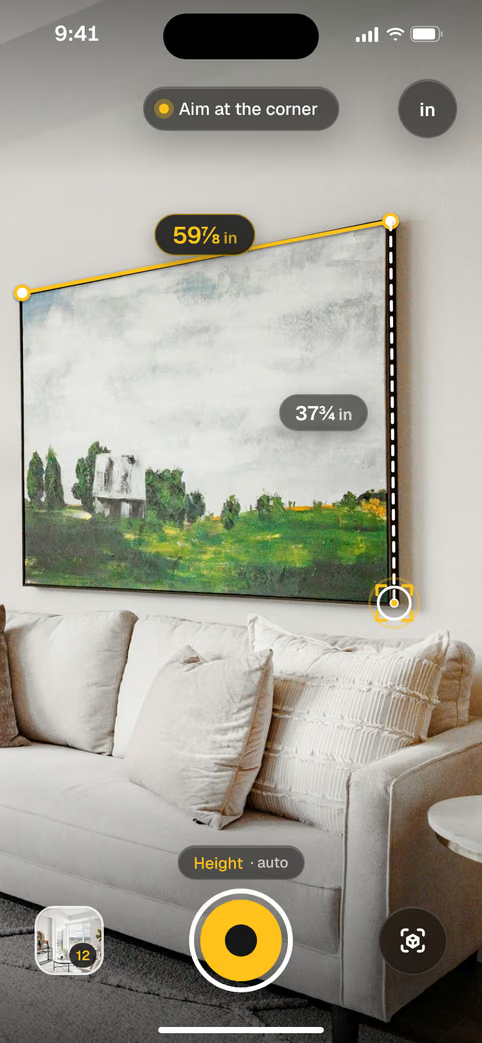
Its camera and motion sensors see depth. Tapepal turns that into lengths, heights, areas and floor plans, and then answers the question you were measuring for.Its camera sees depth. Tapepal turns that into lengths, heights, areas and floor plans, and answers the question you were measuring for.
Works on iPhone. Room scans need LiDAR.
1PointAim the dot at where it starts: a corner, an edge, the floor. Move slowly so the camera can read the room.Aim the dot at where it starts: a corner, an edge, the floor.
2TapTap once to start. The yellow line follows you and snaps to corners, so your reading does not drift.The yellow line follows you and snaps to corners.
3DoneTap again at the end. The length is saved with the photo, in feet and inches, down to 1/16.Tap at the end. Saved with the photo.
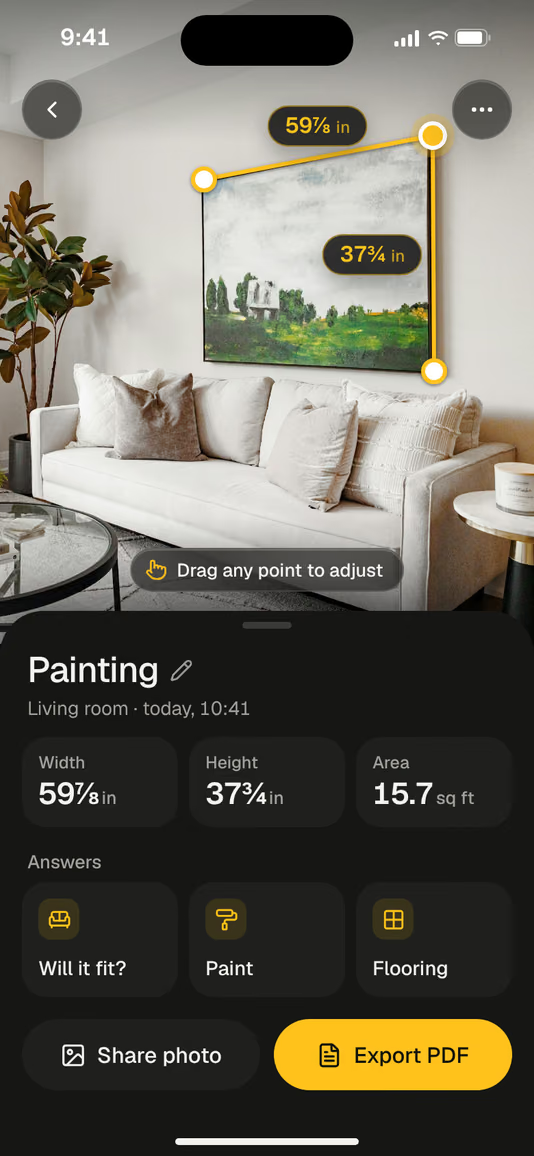
59⅞ inPainting, wideWide37¾ inTall
01 · Lengths
A tape measure in the camera.
Measure anything you can see: a painting, a gap for a dishwasher, a window. Readings down to 1/16 in.Measure anything you can see. Readings down to 1/16 in.
1Aim the dot at one end and tap.
2Move to the other end. The line snaps to corners.Move to the other end. It snaps to corners.
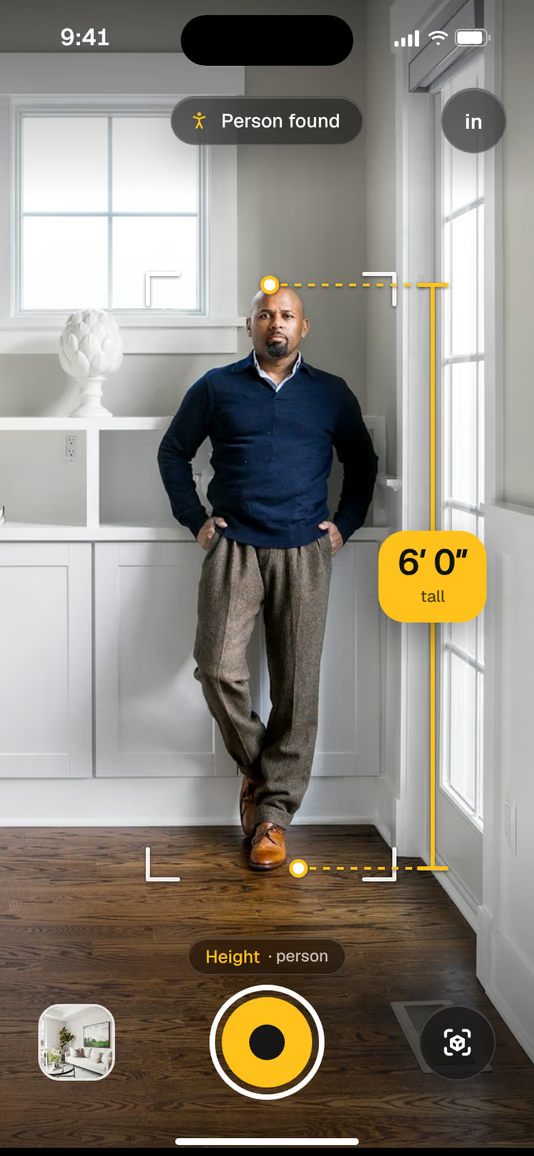
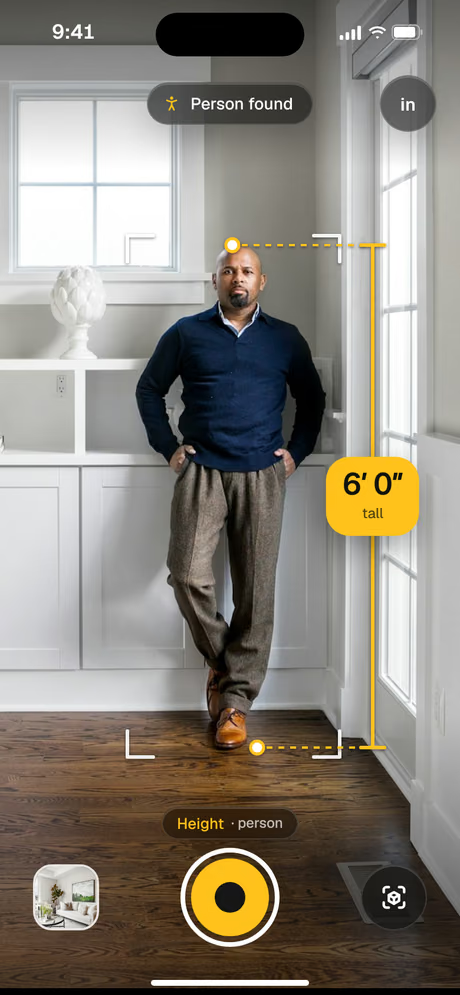
Point at a person, a door or a bookcase. Tapepal finds the floor and the top for you, so you do not have to aim at either.Point at a person, a door or a bookcase. The floor and the top are found for you.
1Stand back so the whole thing is in view.
2Wait for the outline. People and doors are picked out.
3Tap the height to save it.
Best with LiDARPeople, doors, furniture
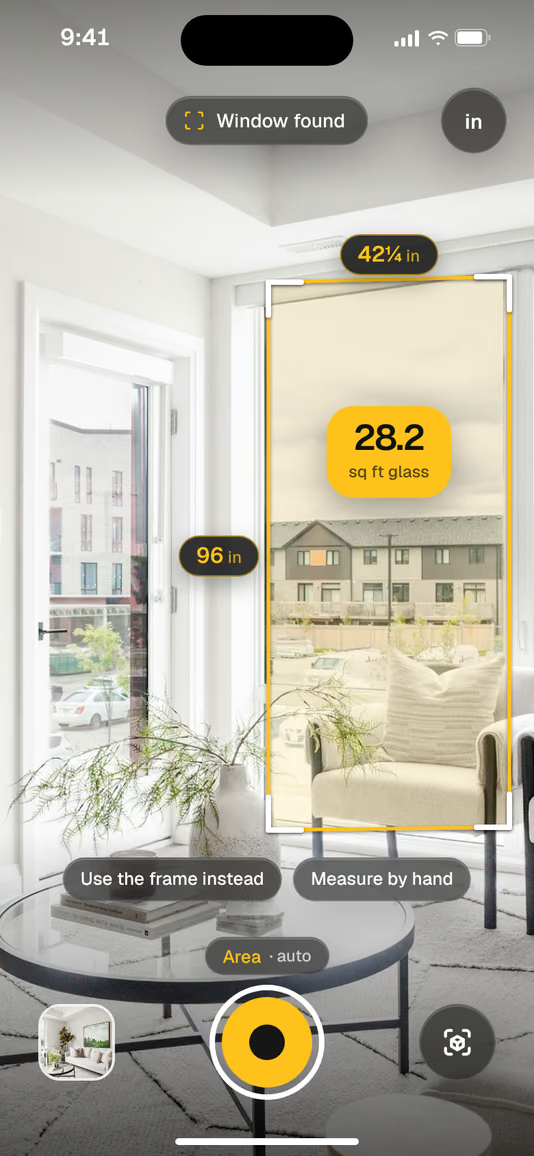
28.2 sq ftWindow glassGlass
03 · Areas
Areas in one tap.
Windows, walls, rugs and tables come back as an area, with both sides measured. Switch between sq ft and m² at any time.Windows, walls and rugs come back as an area, with both sides measured.
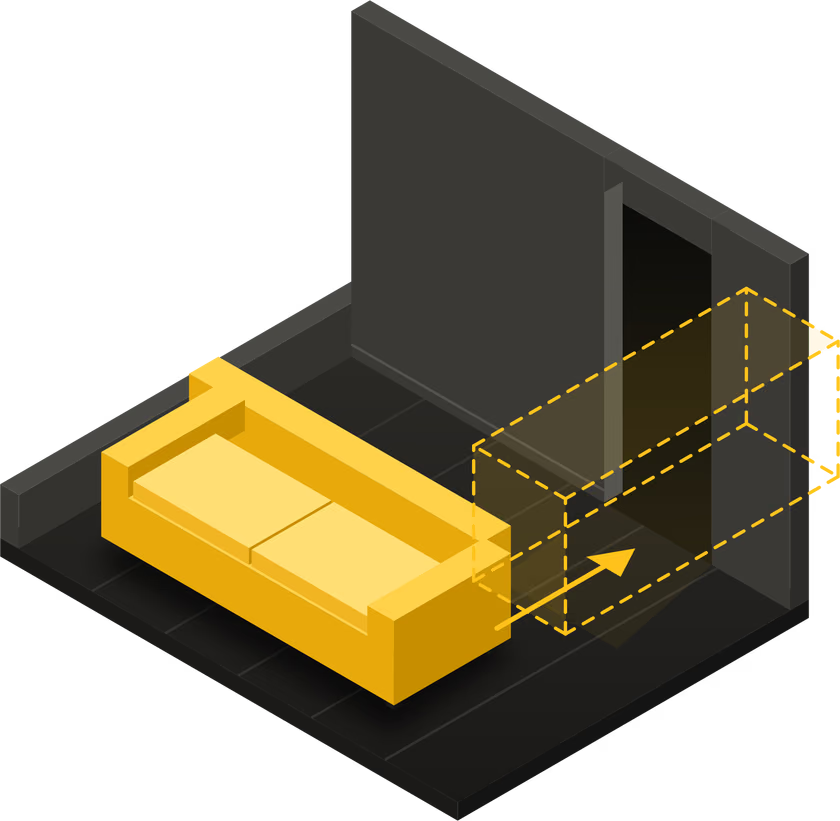
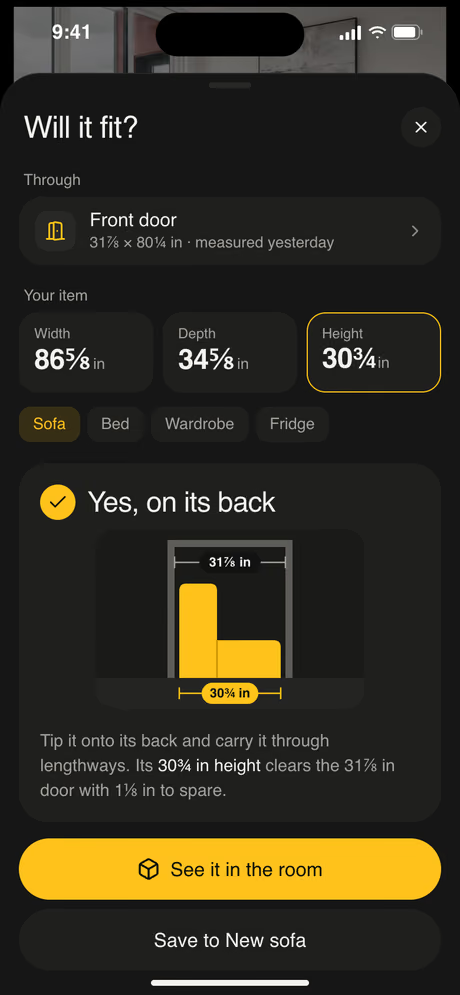
Measure the doorway once. Type the sofa’s size from the product page. Tapepal tells you if it goes through, and which way to carry it.Measure the doorway once, type the sofa’s size. You get the answer, and which way to carry it.
1Measure the door, hallway or elevator.
2Type the width, depth and height of the furniture.
3See the answer, or place it in the room at full size.
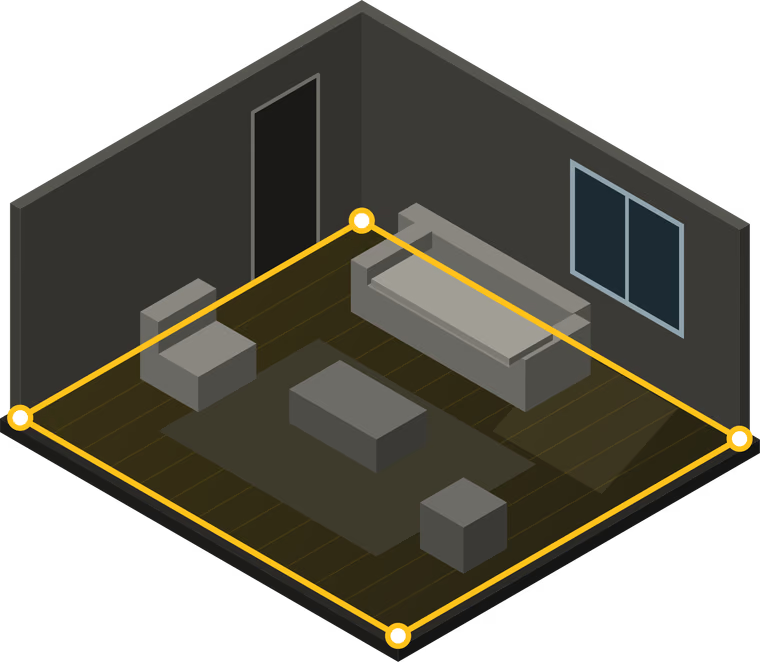
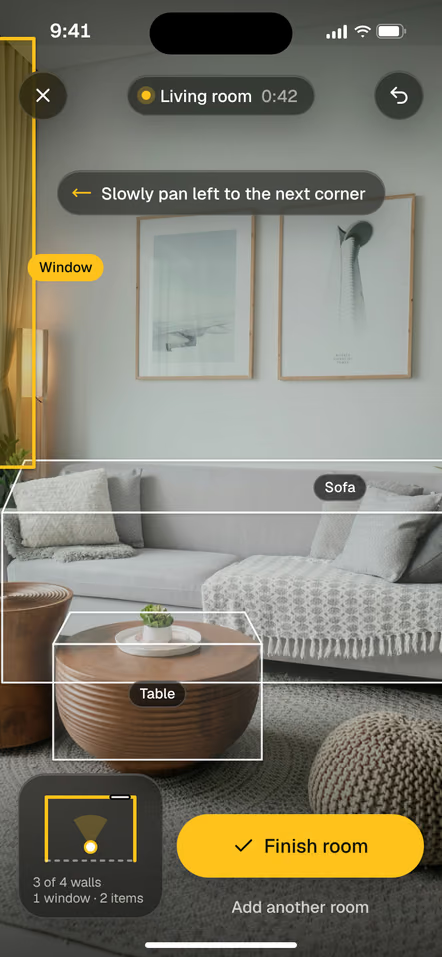
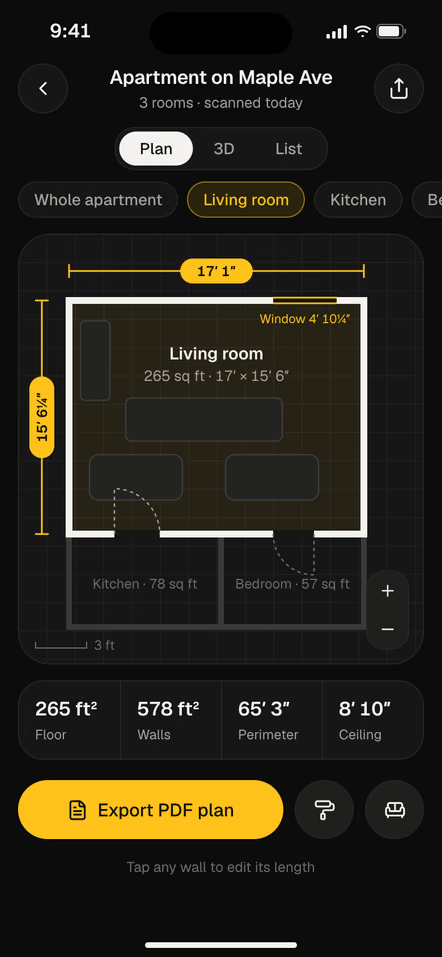
Pan slowly around the room. Walls, doors, windows and furniture are picked out as you go. You get a plan with every wall measured, the floor area and the ceiling height.Walls, doors and windows are picked out as you pan. Export the plan as a PDF.
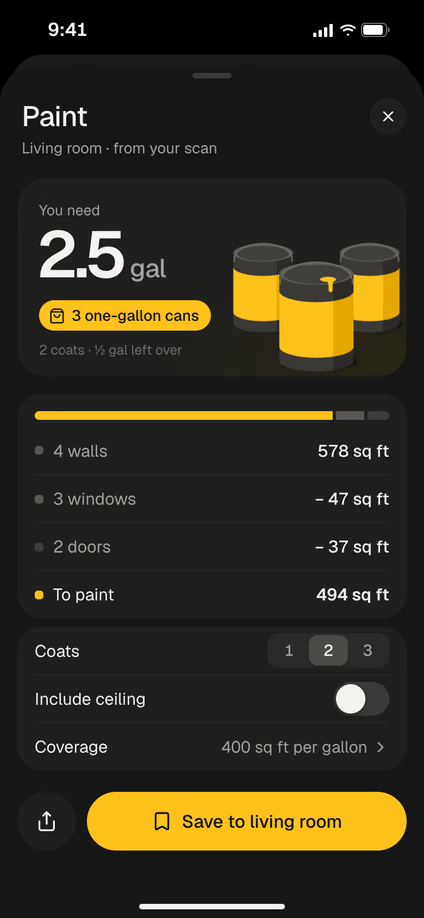
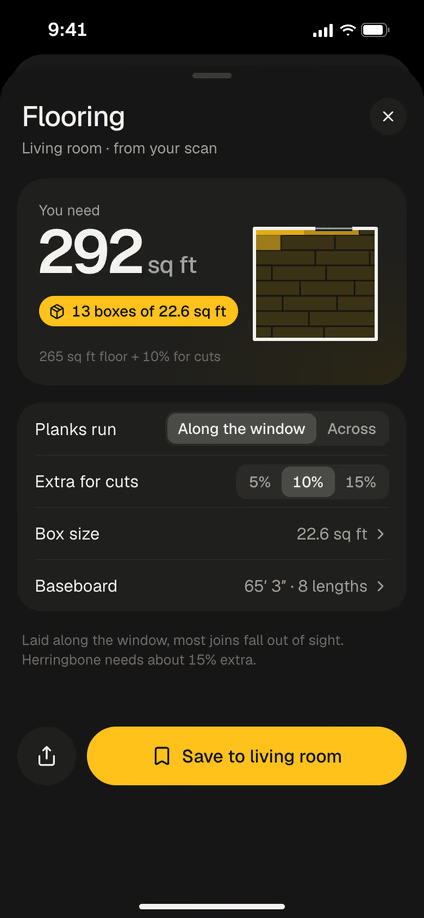
From a scanned room, Tapepal takes the walls, removes the windows and doors, and tells you how much paint for two coats. For floors, you get the area plus extra for cuts, in the box size you pick.Walls minus windows and doors, two coats. Floors with extra for cuts, in your box size.
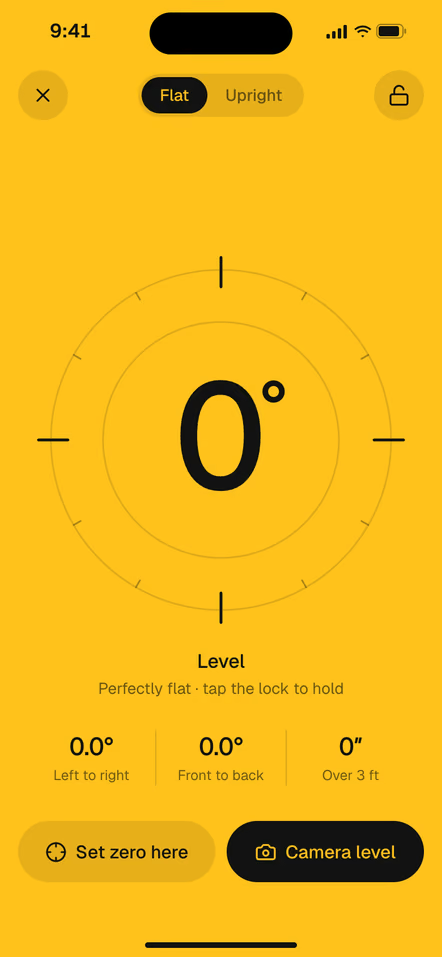
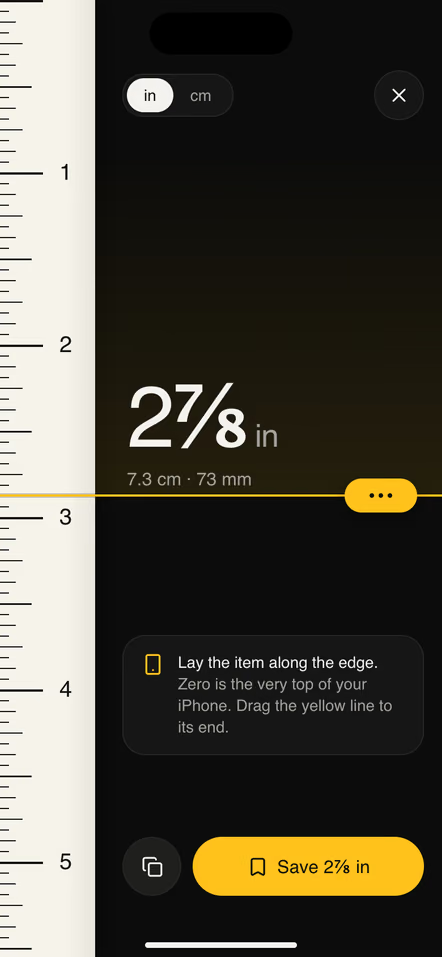
A level that turns yellow. A ruler on the screen.A level that turns yellow.
Lay your iPhone on a shelf or hold it against a frame. The screen turns yellow when it is flat in both directions. For small things, measure them right on the screen.Flat in both directions at a glance. For small things, a ruler right on the screen.
1Put the phone flat or against an edge.
2Adjust until it turns yellow at 0.0°.
3Or place a screw or a coin on the ruler.
Any iPhoneFlat both ways
08 · Your library
Every measurement, kept with its photo.
Each reading is saved on the photo it was taken on, with the answers you asked for. Find the hallway width six months later, in the store, when you need it.Find the hallway width six months later, in the store, when you need it.
1Measurements save themselves.
2Group them by room or by project.
3Share a photo with the numbers on it.
Any iPhoneShare as image or PDF
Good to know
How accurate is it? Honest answers.
Close enough for home jobs
Furniture, frames, rooms and paint. For cutting wood or glass, check the last cut with a real tape.
LiDAR makes it better
iPhones with LiDAR read depth directly, so readings are steadier and room scans are possible.Steadier readings, and room scans become possible.
Which iPhones
[MINIMUM iOS AND DEVICES TO CONFIRM]. Room scans need an iPhone with LiDAR.
Get Tapepal
Try it on the next thing you measure.
On a computer? Point your iPhone camera at the code.

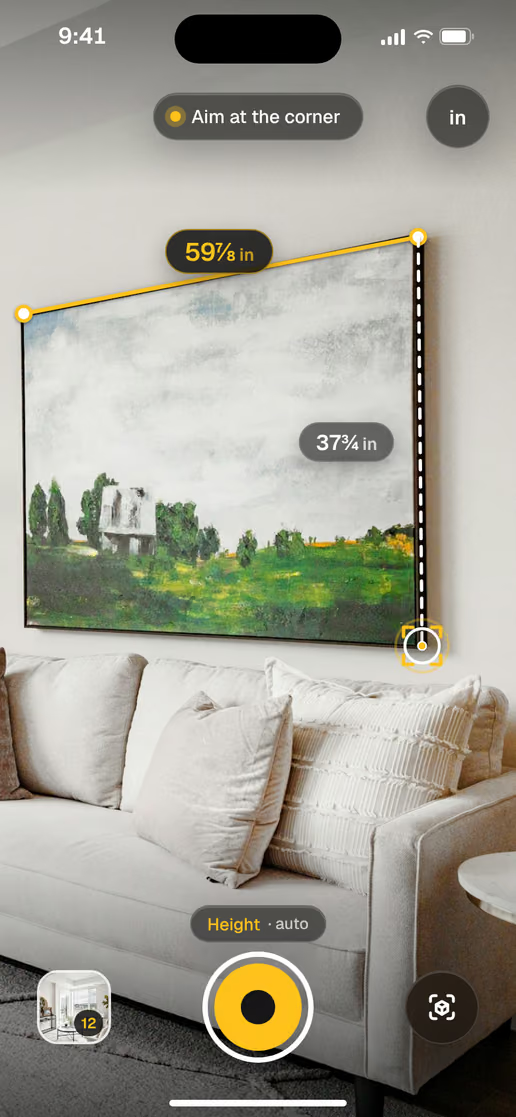

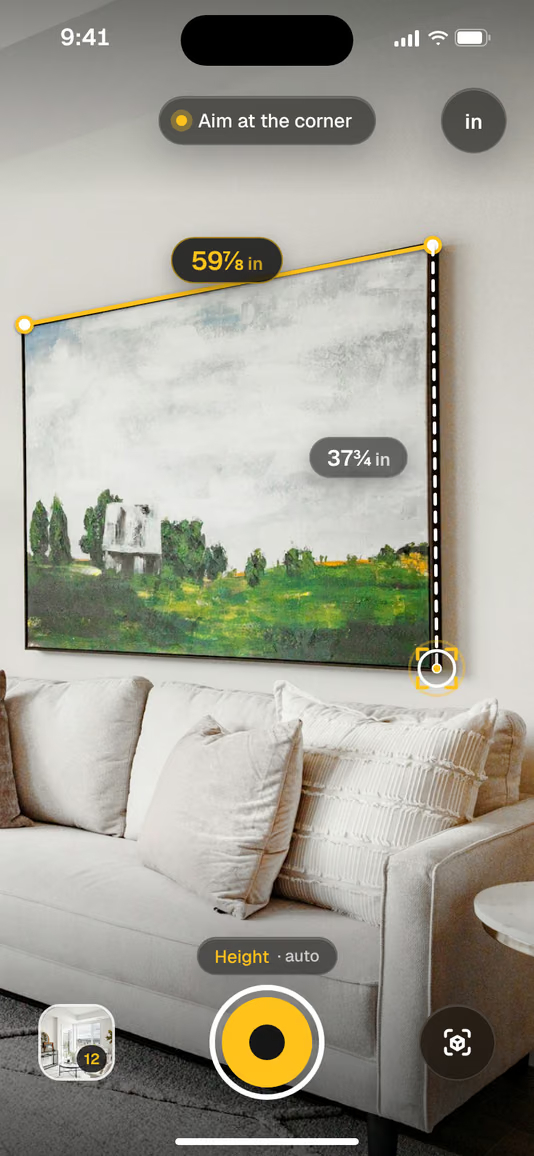 59⅞ inPainting, wideWide37¾ inTall