Free toolsNo tape handy?
No tape handy?
Use these.
Measuring tools that work in your browser. Nothing to install. For anything bigger than your screen, there is the app.
- Works on phone and computer
- Nothing to install
- Inches, feet and fractions
Measure on your screen
Calibrate once with a bank card- 2⅞ in
Online ruler
Actual size on any screen, once you match a bank card to it. - 3 5/8″
Tape reader
Tap any line on a tape and see what it reads, as a fraction and a decimal. - US 7 · 17.3 mm
Ring sizer
Put a ring you own on the screen and read its size: US, UK and EU. - 45°
Protractor
Drag the arm to measure an angle, or hold your phone to a wall.
Calculate and level
Type a few numbers, or lay your phone down- 131 ft²
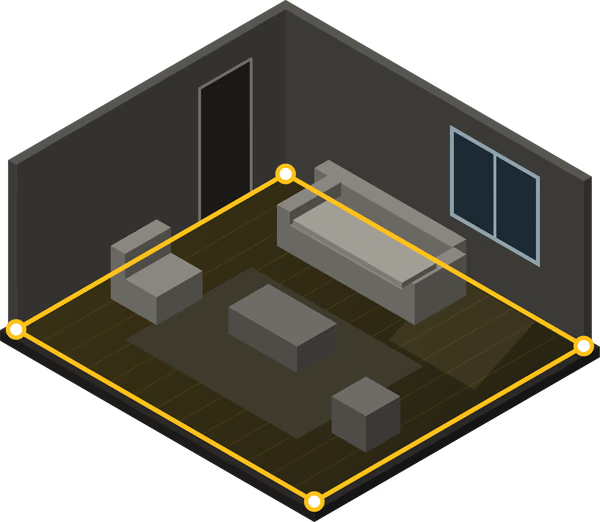
Square footage
Any room shape, split into rectangles and added up for you. - 6/12 · 26.6°
Roof pitch
Rise and run in, pitch, angle and slope out, drawn to scale. - 5/8 = 0.625 in
Inch fractions
Every fraction from 1/16 to 1, as a decimal inch you can copy. - 0.0°
Bubble level
Lay your phone on a shelf. The circle turns yellow when it is flat.
With your iPhone

Bigger than your screen?
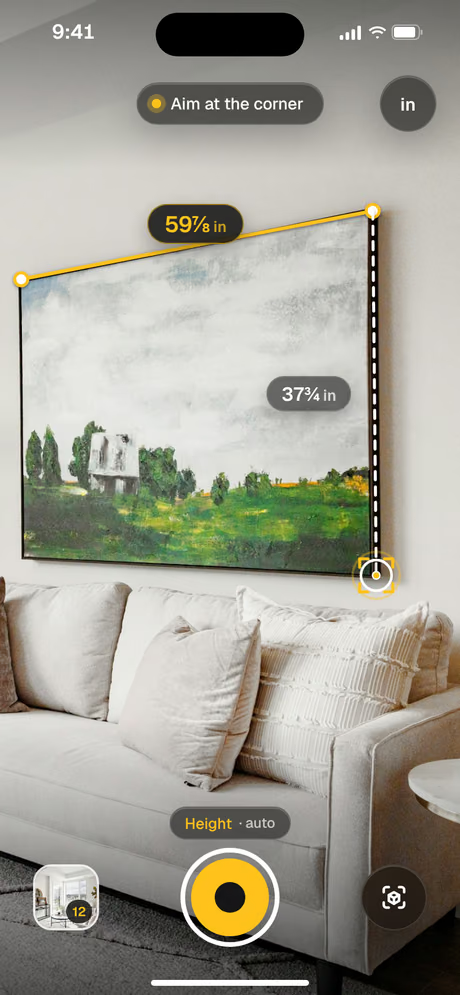
Doors, walls, sofas and whole rooms need the camera. Point your iPhone, tap each end, and Tapepal gives you the length.
Guides that use these tools
Questions
About the free tools on this site.
Are the tools really free?
Yes. They run in your browser, with nothing to install and no account.
Why do some tools ask for a bank card?
Every screen shows an inch at a different size. A bank card is always 3⅜ in wide, so matching it once makes the ruler, the ring sizer and the protractor true to size.
Do they work on a phone?
Yes. The bubble level only works on a phone, because it uses the motion sensor.
What if the thing I am measuring is bigger than my screen?
Use a tape measure, or the camera on your iPhone with Tapepal.
