Your iPhone is a tape measure.
Lengths, heights, areas and whole rooms, straight from the camera. Tapepal does the math and saves each measurement with its photo.
 On a computer? Scan with your iPhone camera.
Requires [MINIMUM iOS AND DEVICES TO CONFIRM]
Everything in the drawer. One app.
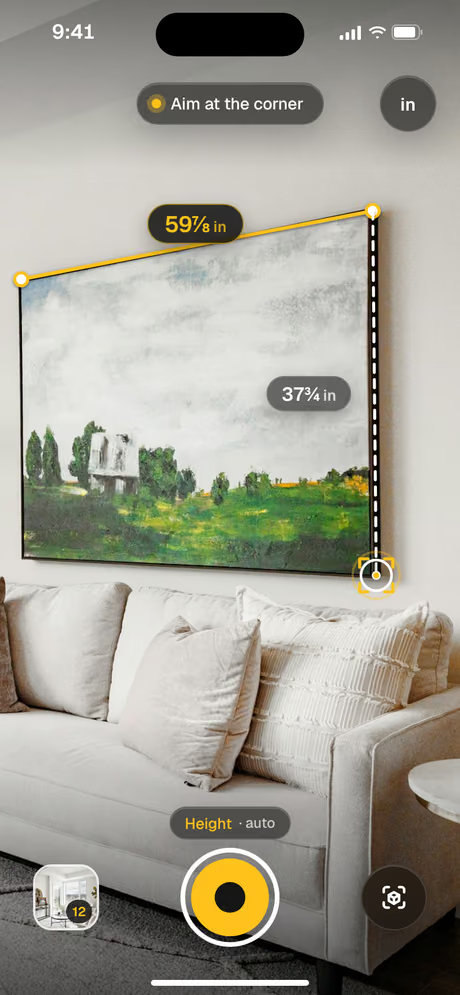
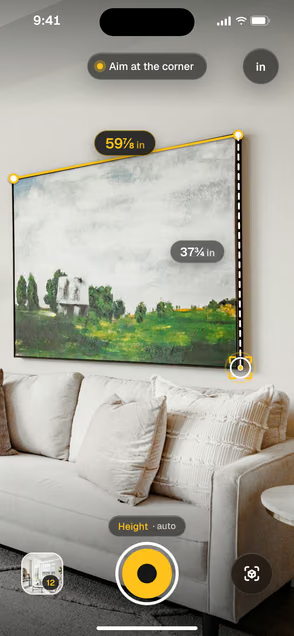 Tape measurePoint at each end and tap. Length in feet and inches, down to 1/16.
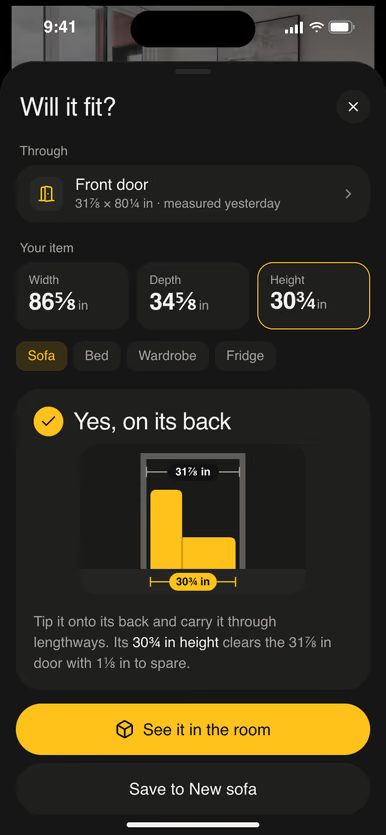
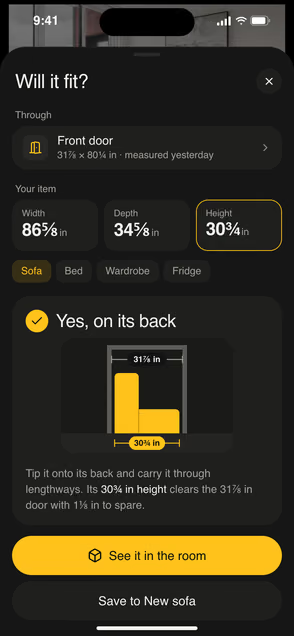 Will it fit?Measure the doorway and the sofa. Tapepal says which way it goes.
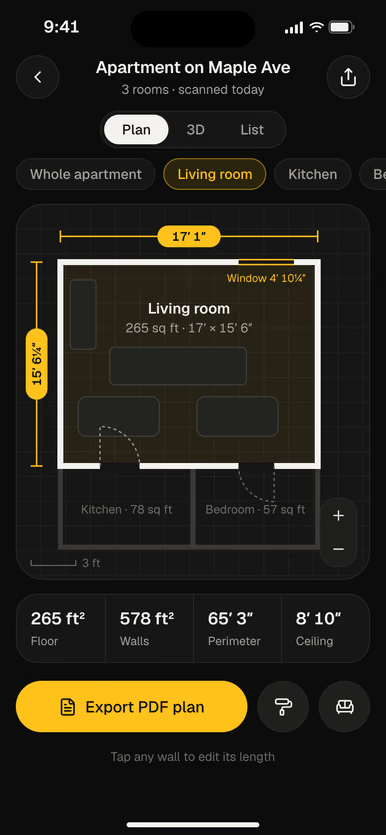
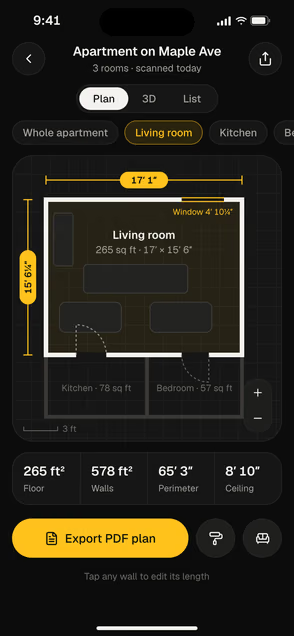 Room scan and planWalk the room once. Get the floor plan and the area.
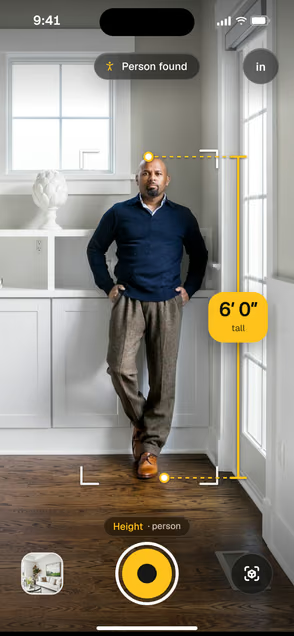 HeightsMeasure people, doors and ceilings from the floor up.
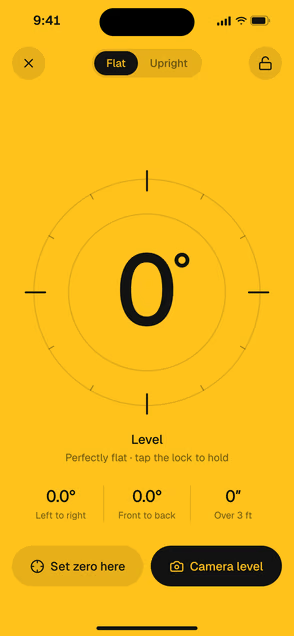 LevelTurns yellow at 0.0°, in both directions.
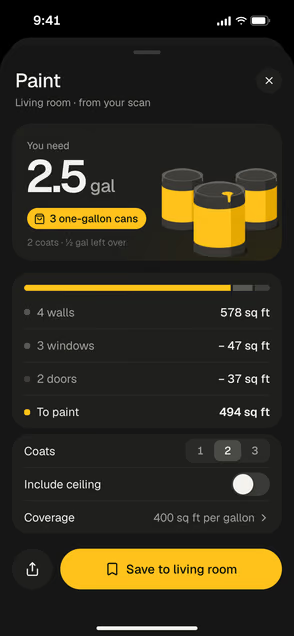 Paint and flooringGallons of paint and boxes of flooring, worked out.
Measuring in a minute.
- 1
Get Tapepal
Tap the App Store badge, or scan the code from your computer.
- 2
Allow the camera
Tapepal uses it to see the edges you measure.
- 3
Point and tap
Aim at one end, tap, then the other. Done.
On your computer?
Open your iPhone camera and point it at the code. The App Store opens on your phone.

Before you download
- Works on
- [MINIMUM iOS AND DEVICES TO CONFIRM]
- Room scans
- [LIDAR DEVICES TO CONFIRM]
- Units
- Feet and inches, or metric
Questions
How accurate is Tapepal?
Close enough for most jobs at home: furniture, frames, rooms and paint. iPhones with LiDAR are the most accurate. For cutting wood or glass, check the last cut with a real tape.
Which iPhones does it work on?
[MINIMUM iOS AND DEVICES TO CONFIRM]
Can I save my measurements?
Yes. Every measurement is saved with its photo and sorted by room, so you can find it again in the store.
Do room scans need a special iPhone?
Room scans and object scans need an iPhone with LiDAR. Lengths, heights, areas, the level and the ruler work on other iPhones too.
