Measure anything.Point, tap, done.
Lengths, heights, areas and whole rooms, straight from your iPhone camera. Then the answer: will it fit, how much paint, how much flooring.
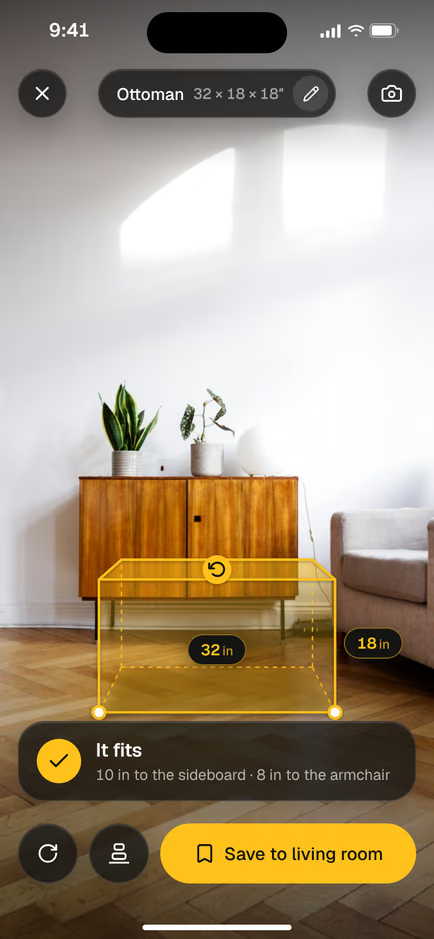
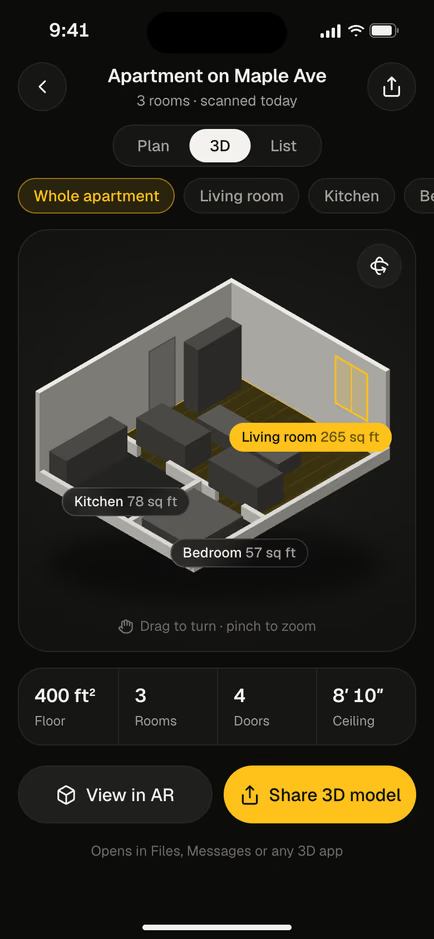
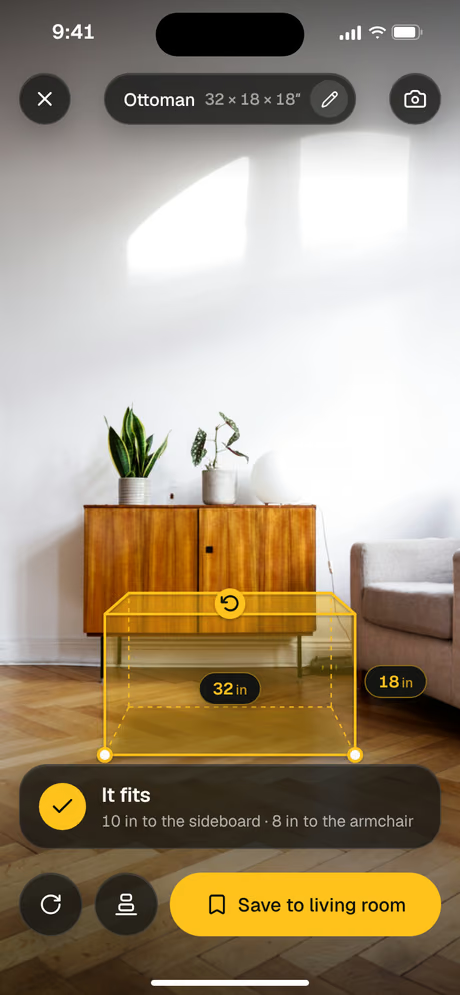
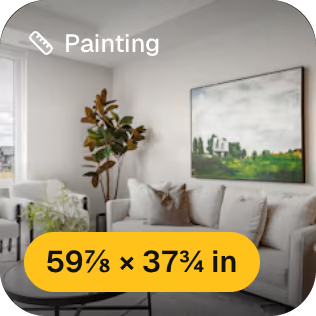
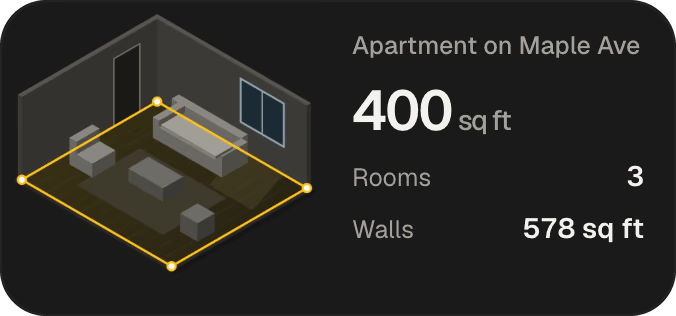
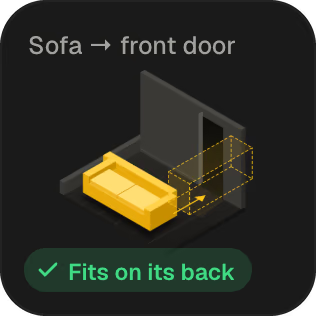
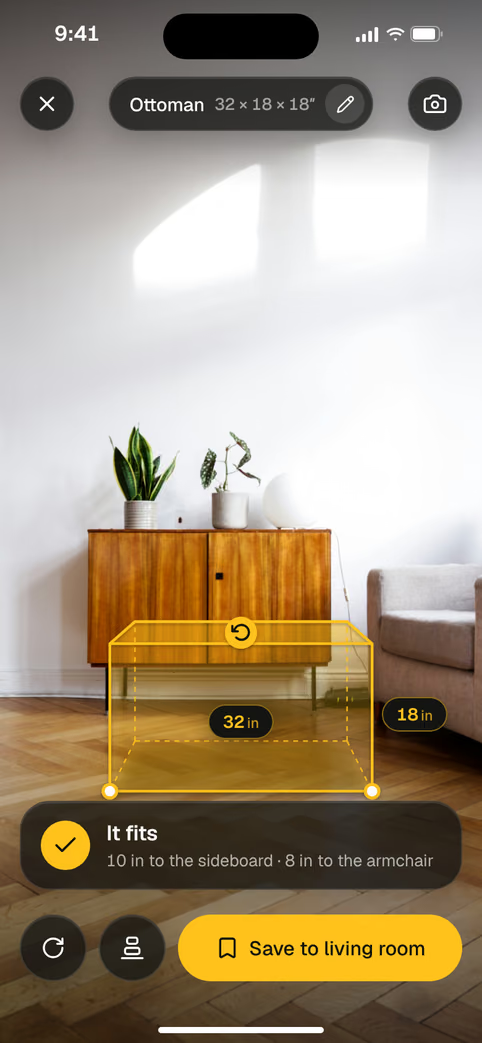
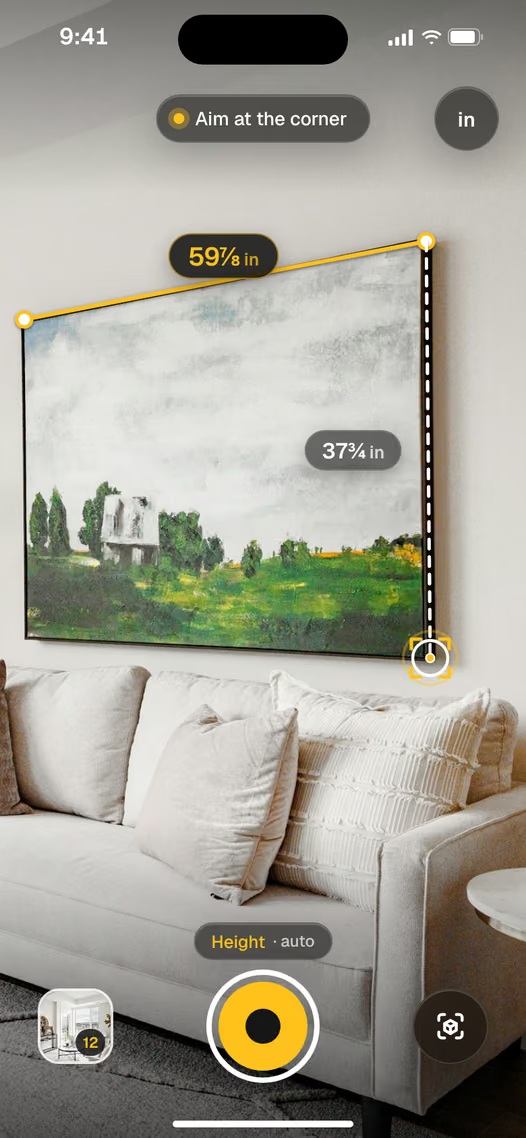 It fits8 in to the armchair400 sq ftWhole apartment, in 3D59⅞ inPainting, wide
Every tool in the drawer. In your pocket.
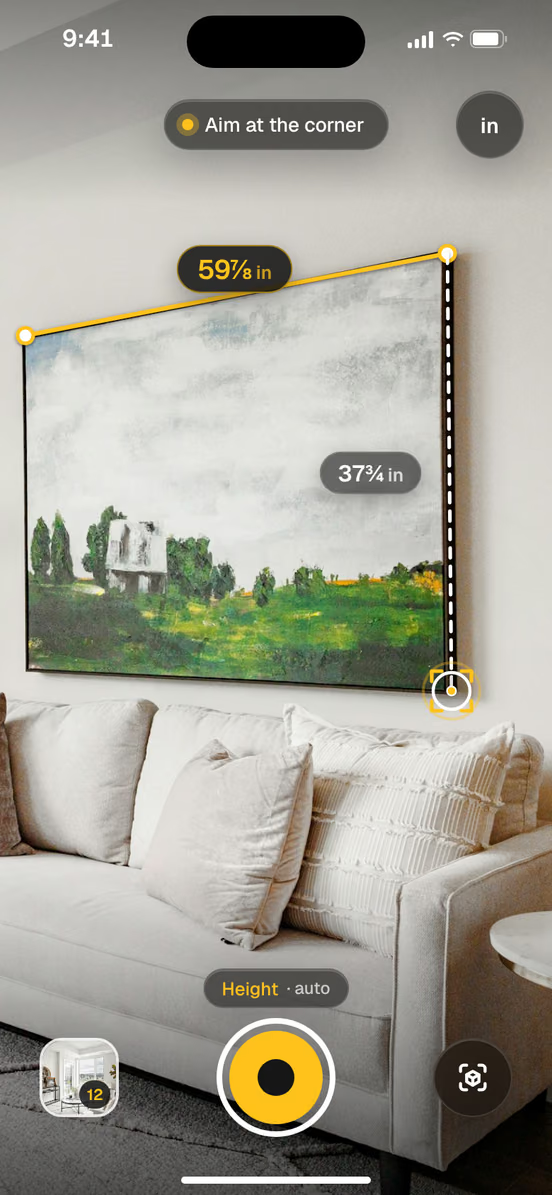
A tape measure in the camera
Tap the start, tap the end. The line snaps to corners. Read it in feet and inches, down to 1/16.
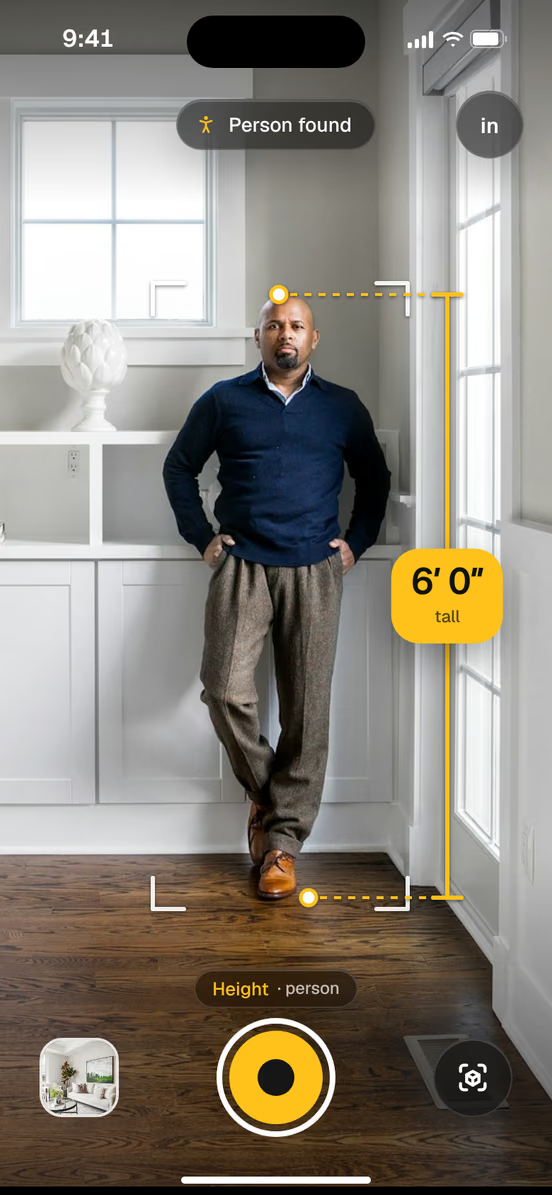
Heights, found for you
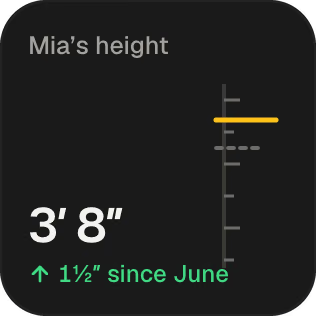
Point at a person or a door. The top and the floor are found on their own.
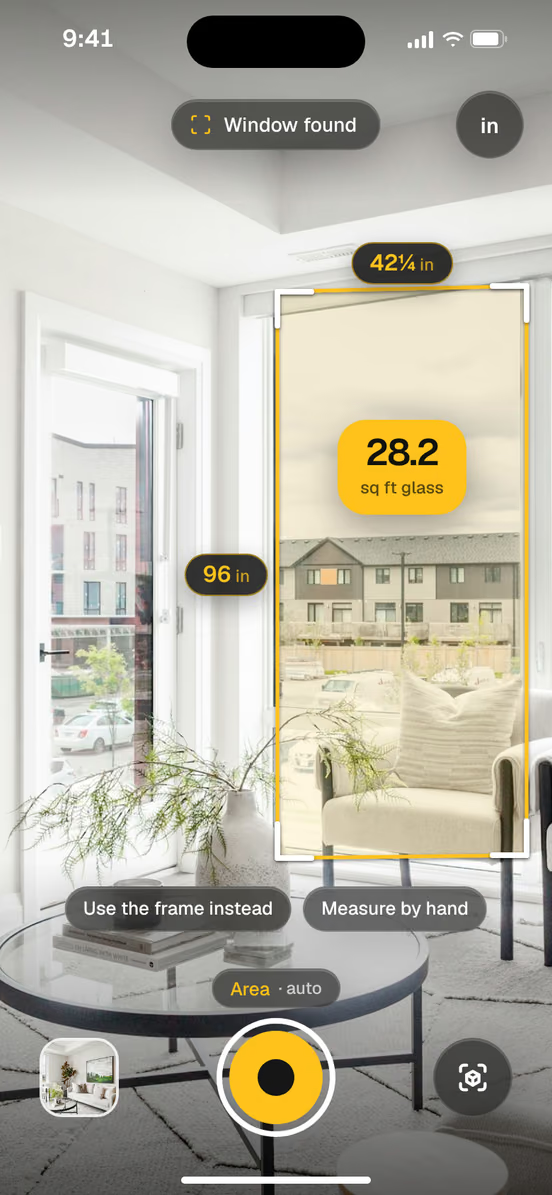
Areas in one tap
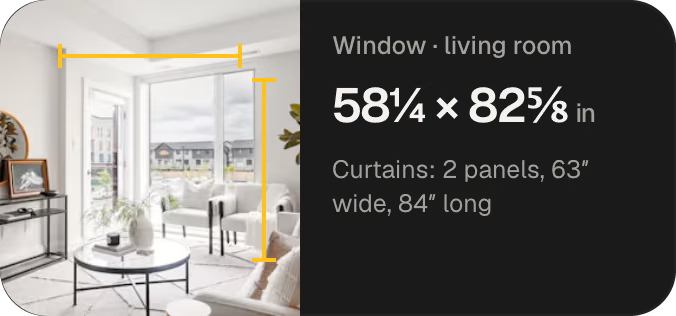
Windows, walls and rugs come back in sq ft, with both sides measured.
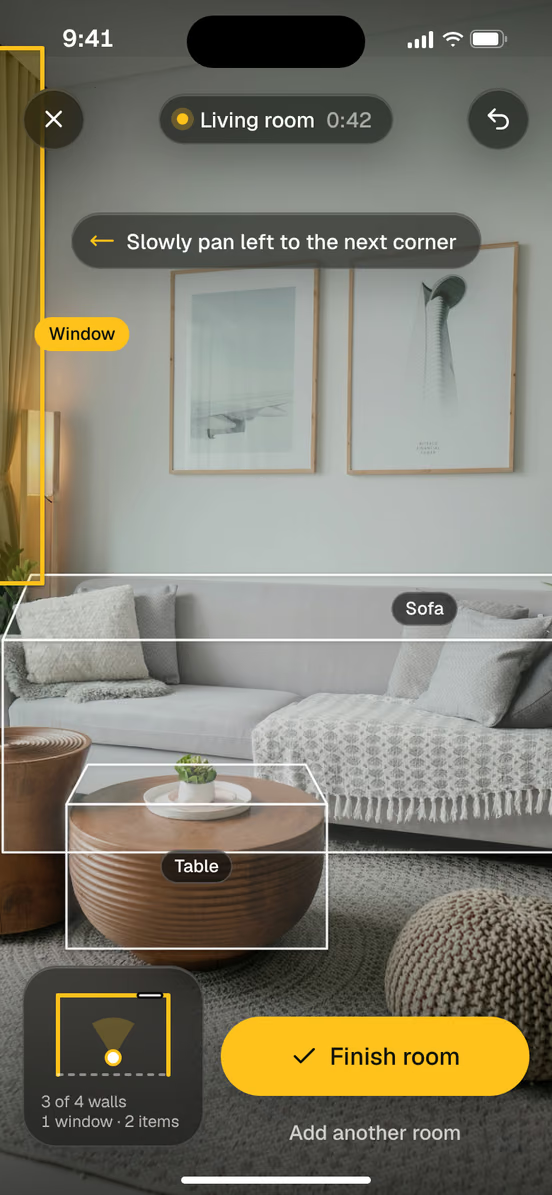
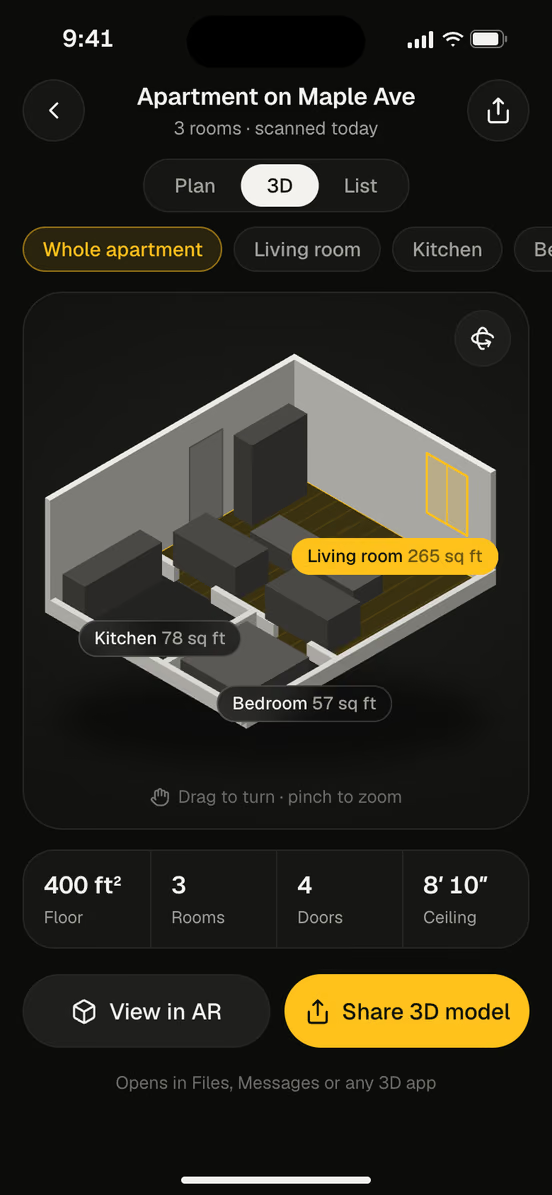
Room scans, in 2D and 3D
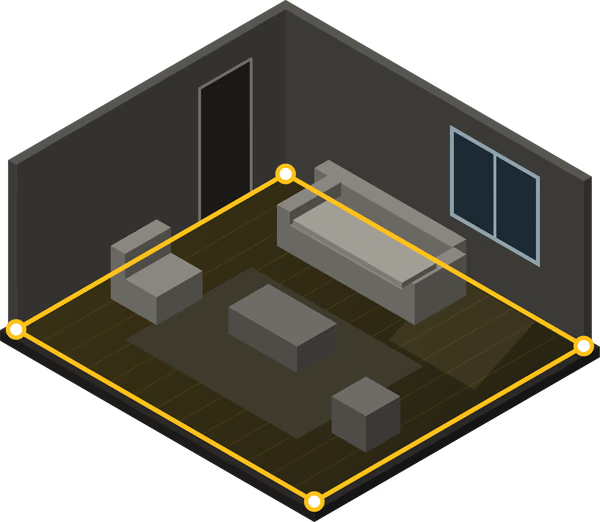
Walk the room once. Get a plan and a 3D model, every wall measured.
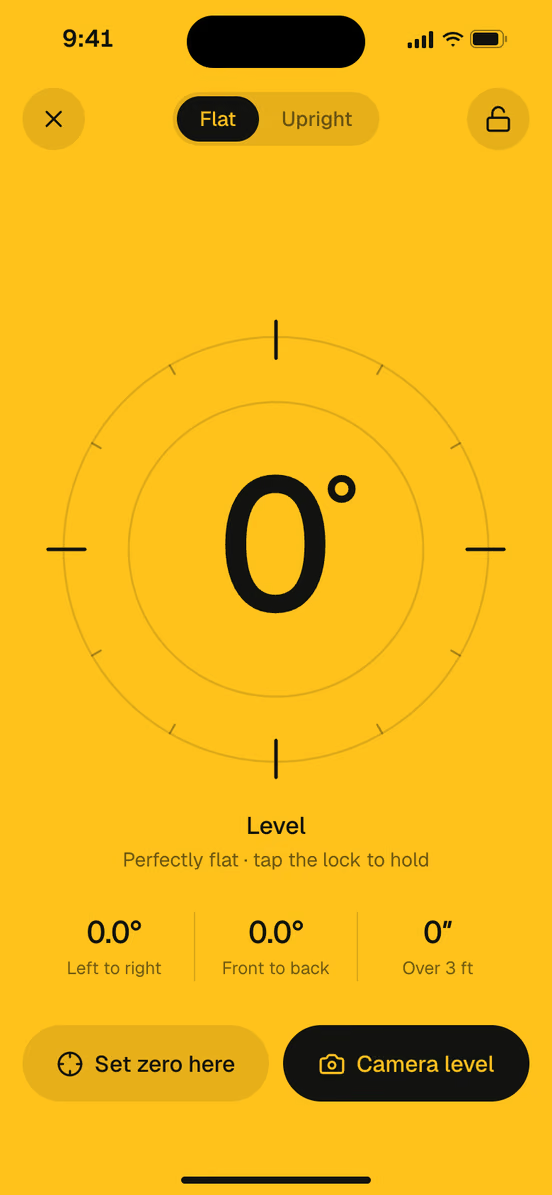
A level that turns yellow
Lay your iPhone on a shelf or hold it to a frame. Flat or upright, it turns yellow at 0.0°. Set zero anywhere.
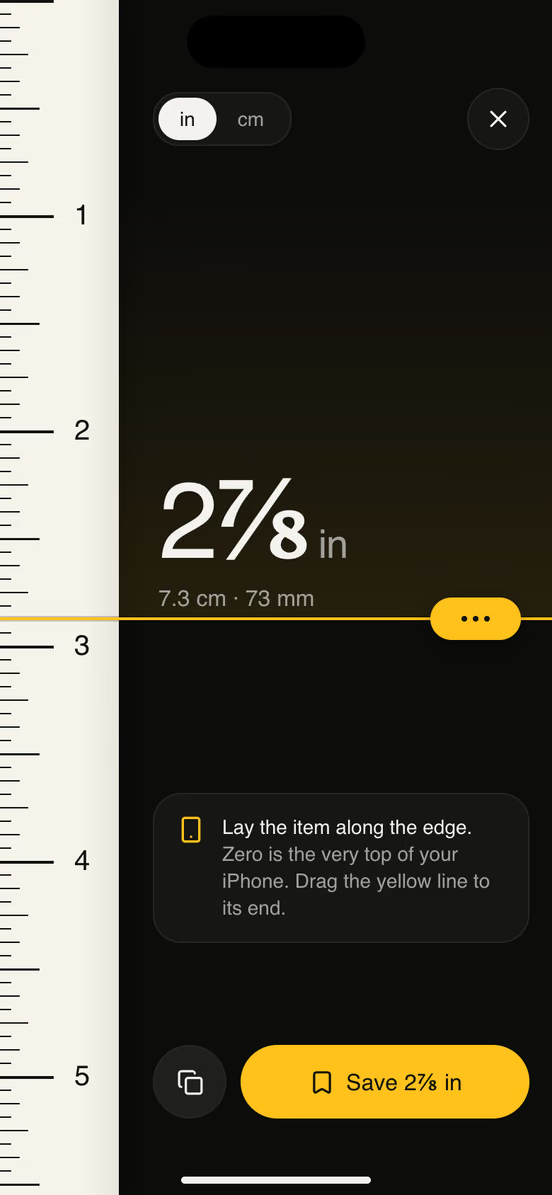
A ruler on the screen
Lay a screw or a coin on it. 2⅞ in, or 7.3 cm.
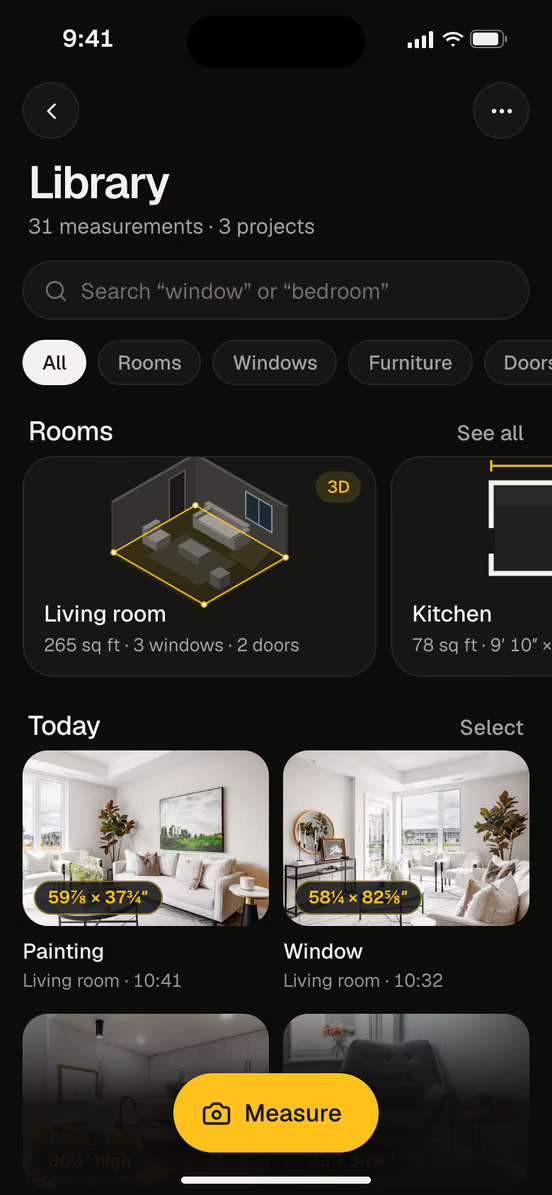
Every measurement, kept
Saved with its photo, sorted by room. Search for “window”.
Lines, objects, lasers. And second chances.
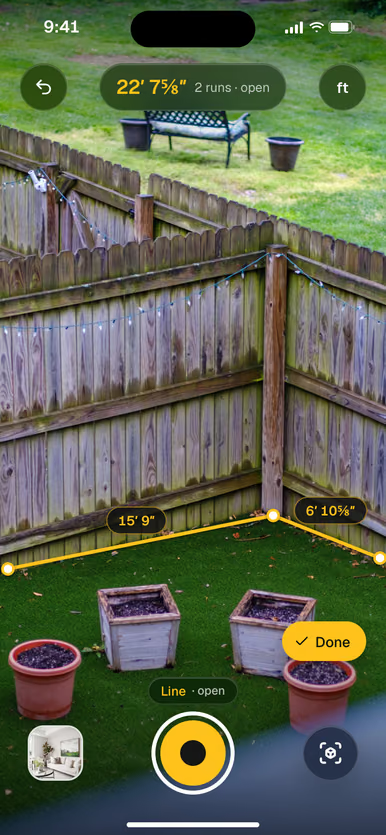
Fences, baseboards and runs of wall. Each run adds up as you go.
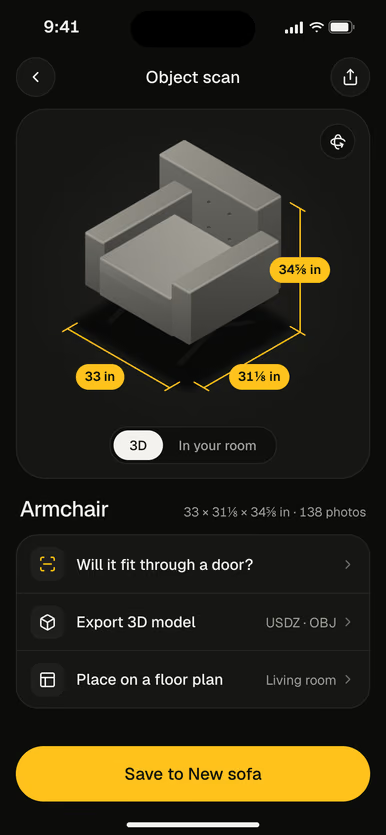
Walk around an armchair. Get its size and a 3D model you can place.
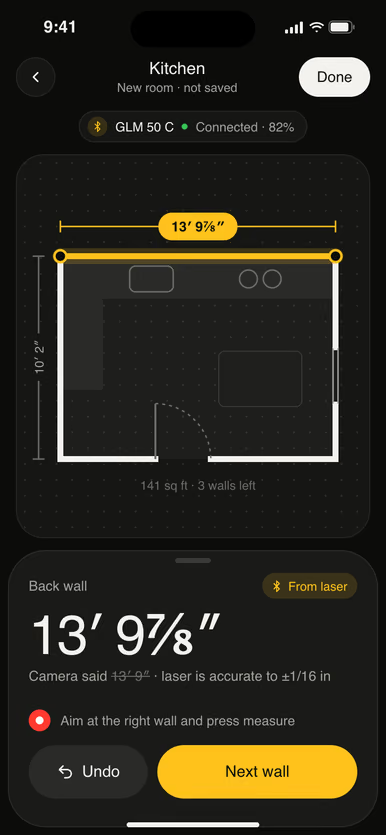
Pair a Bluetooth laser meter. Its reading lands on the wall you aim at.
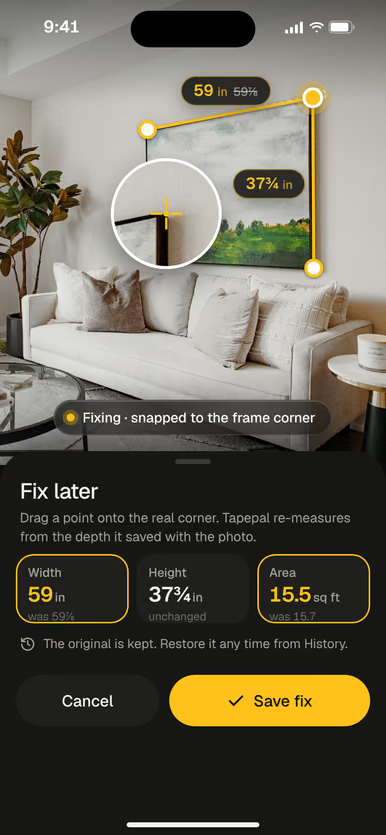
Drag a point onto the real corner in the saved photo. It measures again.
Not just numbers. The answer you were after.
Measure once. Then ask the question you measured for. Tapepal does the math and saves it with the room.
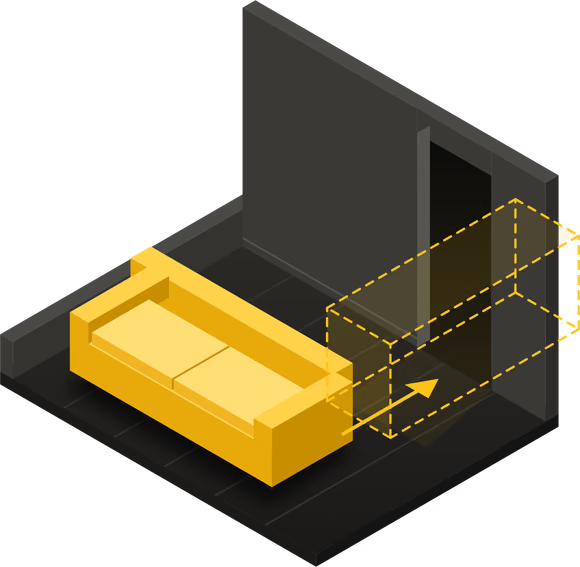
- Will my sofa fit through the door?Measure the door once, type the sofa from the product page.Yes, on its back. 1⅛ in to spare
- Where would it go in the room?Place it at full size, see the space around it.
- How much paint do I need?Walls minus windows and doors, for the coats you pick.
- How much flooring should I buy?Floor area plus extra for cuts, in your box size.
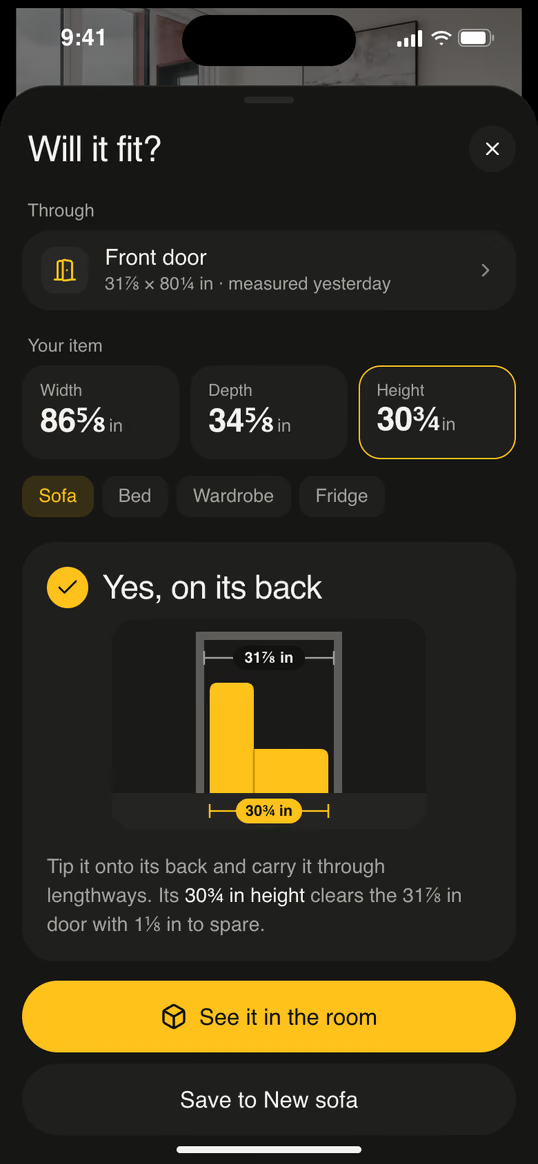 31⅞ × 80¼ inFront door, measured yesterday31⅞ inFront doorIt fits36 in walkway around it
From one walk around the room to a shopping list.
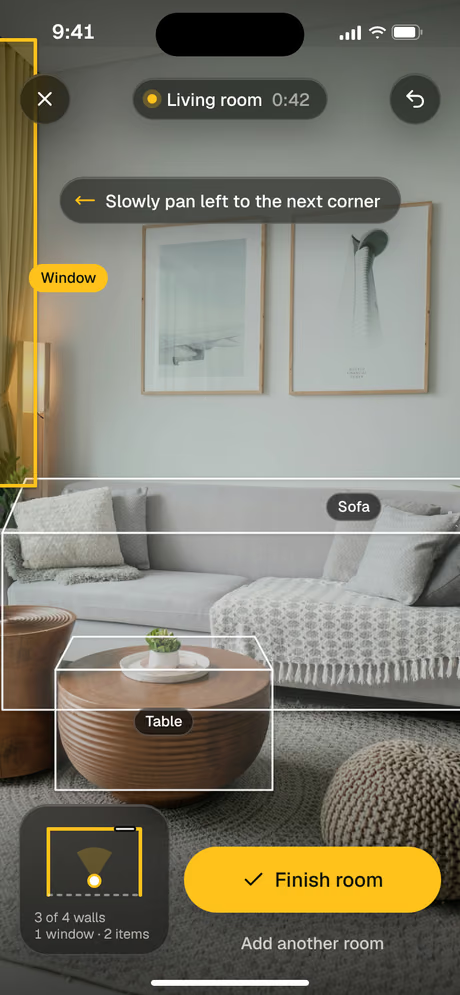
Pan slowly along the walls. Windows, doors, sofas and tables are picked out as you go.
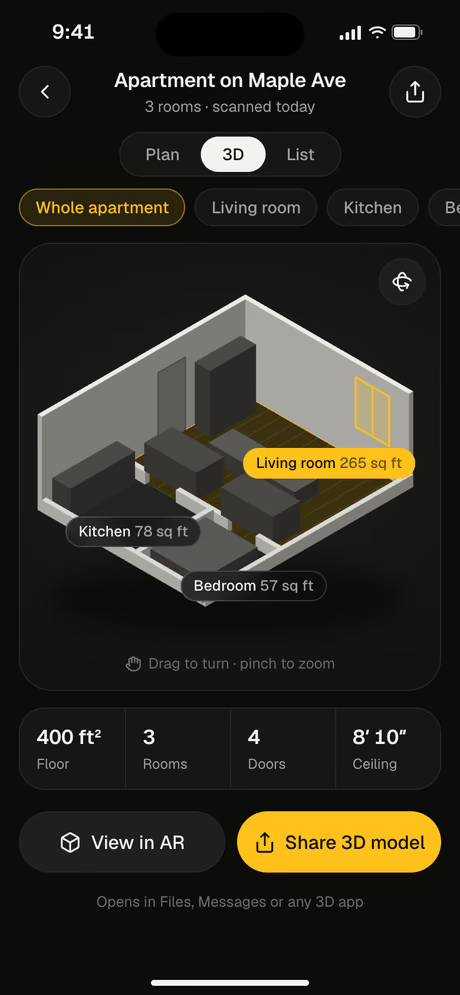
Every wall measured, with the floor, the walls and the ceiling. Tap any wall to edit it.
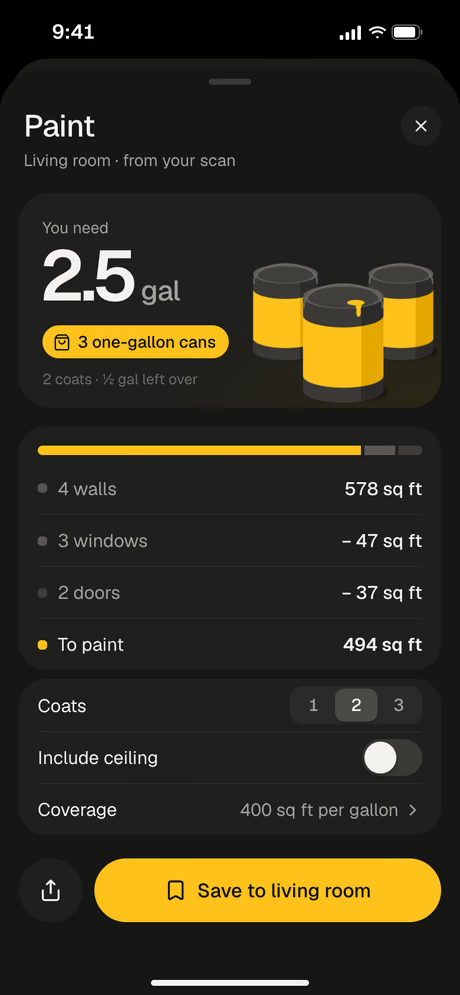
Paint for the coats you pick, flooring in your box size, with extra for cuts.
Room scans need an iPhone with LiDAR.
Every measurement, where you need it.
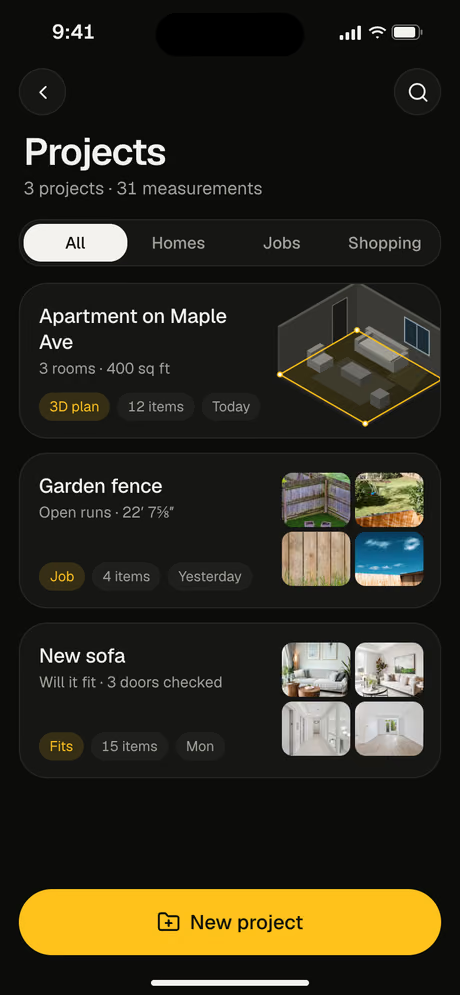
Group measurements by home, job or shopping trip.
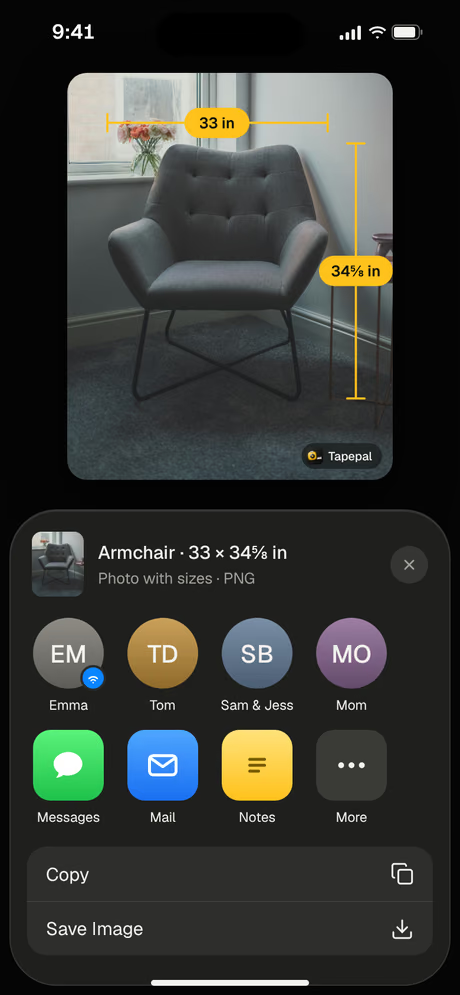
Send the photo with the numbers on it, in Messages or Mail.
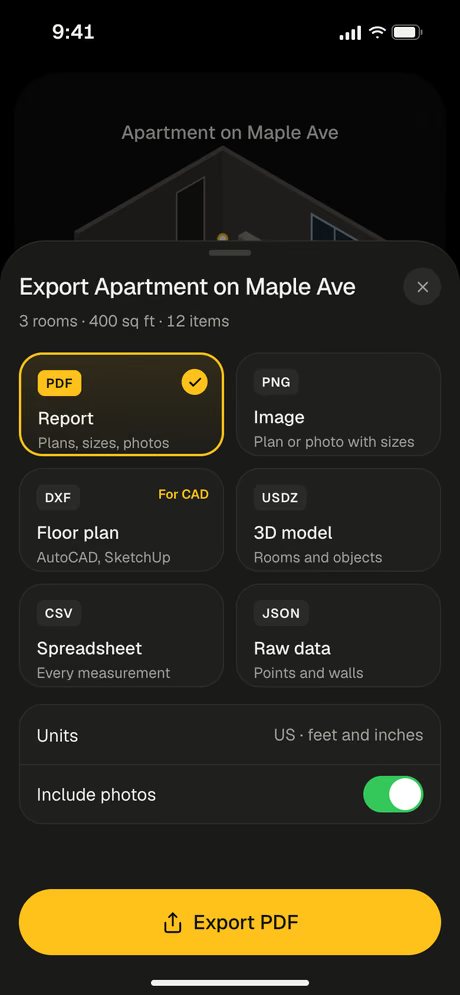
A PDF report, a floor plan for CAD, a 3D model or a spreadsheet.
Measure without opening the app.
Widgets in every size, filled with your own measurements, rooms and projects.
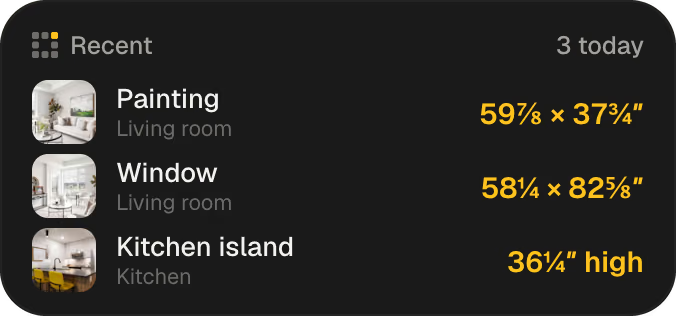
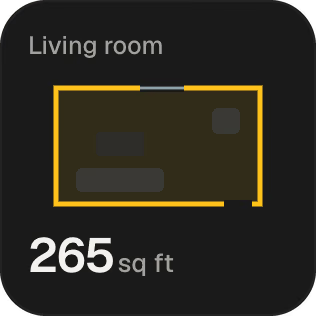
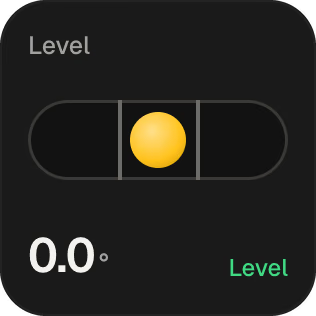
Your last size and the room area, right under the clock.
Charging on its side, the tape and your room plan stay on screen. Red at night.
Measure, Level and Scan room, one swipe down.
Press it and the camera tape opens, even when the phone is locked.
Ask how big the living room is and Siri answers from your scans.
Pinned sizes on your wrist in the store, room plans on the bigger screen.
See every screen before you download.
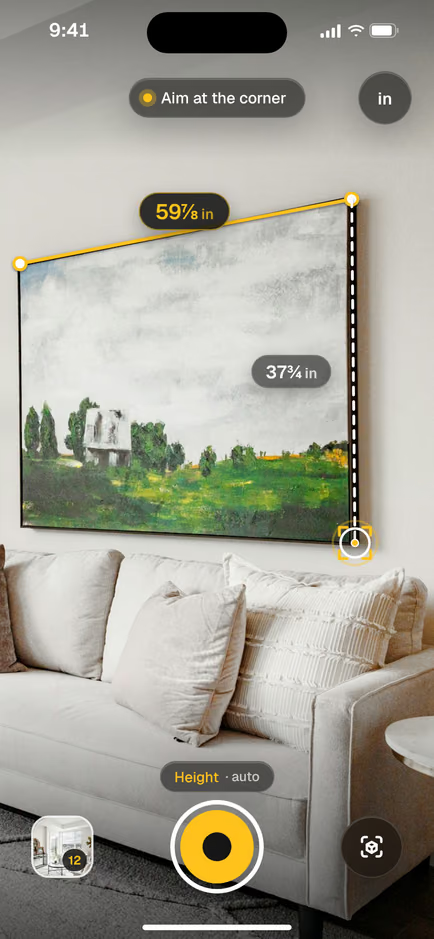 Measure a lengthTap the start and the end. Snaps to corners.
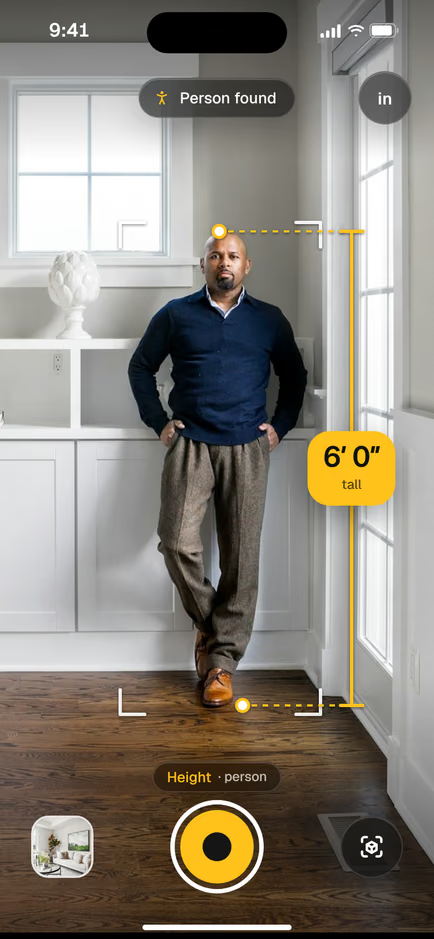 Find a heightPeople and doors, found top to floor.
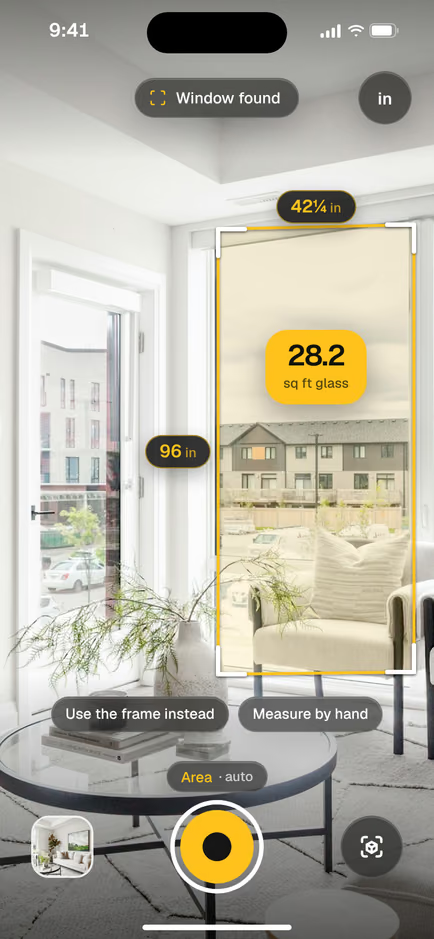 Get an areaWindows and walls, in square feet.
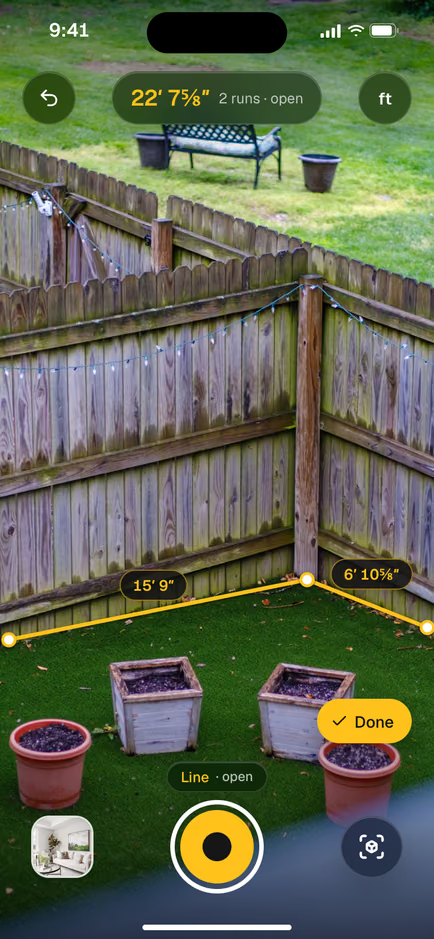 Measure a fenceOpen lines, run after run.
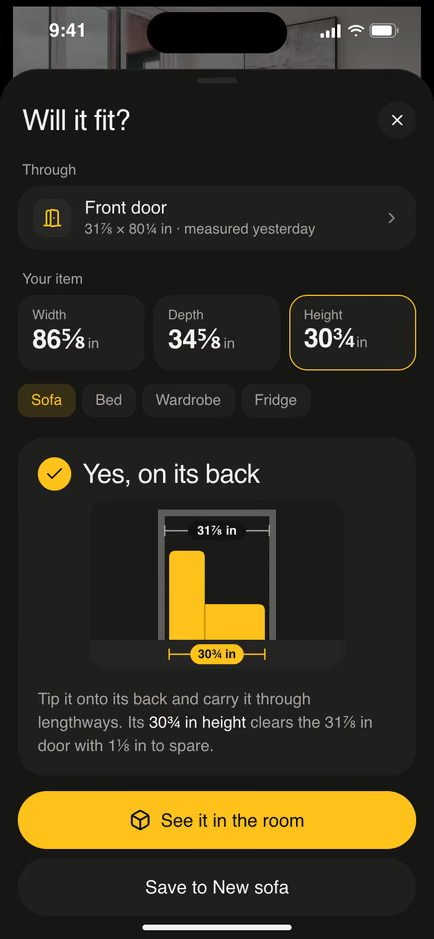 Ask: will it fit?The verdict first, then the reason.See it in the roomPlace it at full size, check the walkway.
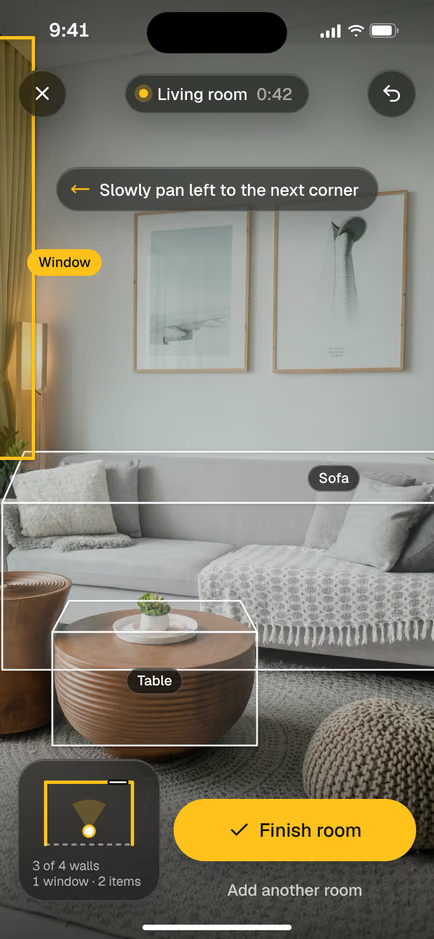 Scan the roomWalls, windows and furniture as you pan.See it in 3DThe whole apartment, room by room.
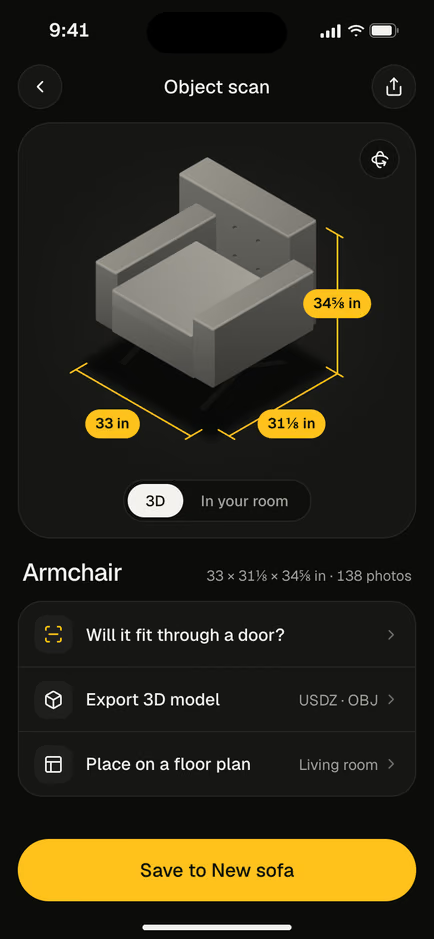 Scan an objectIts size and a 3D model.
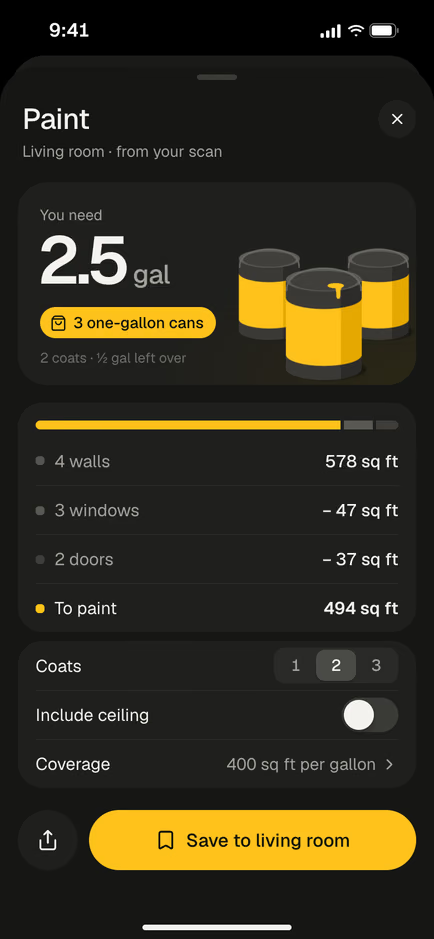 Work out the paintGallons and cans, for your coats.
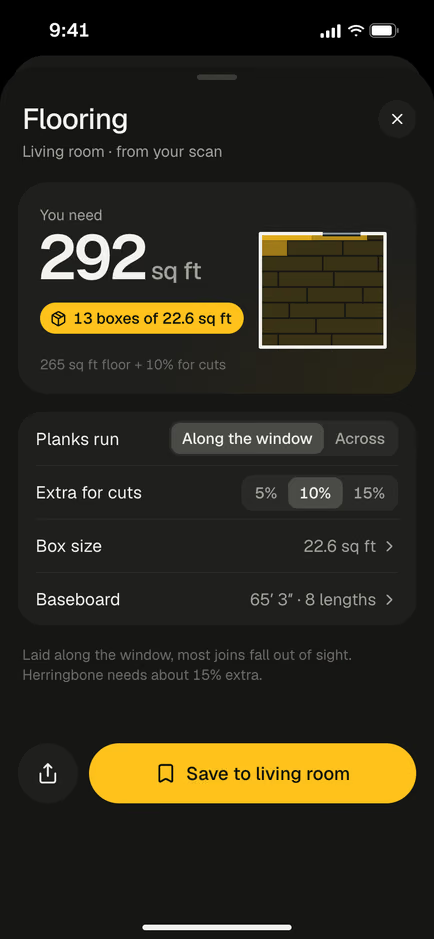 Work out the flooringPacks to buy, with extra for cuts.
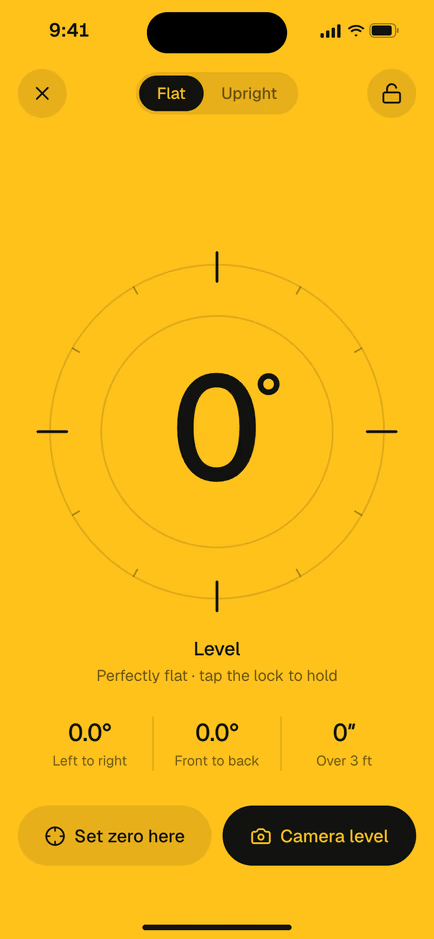 Use the levelTurns yellow at 0.0°.
No tape handy? Use these.
Measuring tools that work in your browser. Nothing to install.
How to measure anything. With pictures.
Put the tape away.
Your iPhone camera is a tape measure, a level and a room scanner. Tapepal is the app that reads it.

Questions, answered.
How accurate is Tapepal?
Close enough for most jobs at home: furniture, frames, rooms and paint. iPhones with LiDAR are the most accurate. For cutting wood or glass, check the last cut with a real tape.
Which iPhones does it work on?
[MINIMUM iOS AND DEVICES TO CONFIRM]
Does it work in feet and inches?
Yes. Feet, inches and fractions down to 1/16 are the default in the US. Switch to metric whenever you like.
Can I save my measurements?
Yes. Every measurement is saved with its photo and sorted by room, so you can find it again in the store.
Do room scans need a special iPhone?
Room scans and object scans need an iPhone with LiDAR. Lengths, heights, areas, the level and the ruler work on other iPhones too.
